
Download PhotoSelector – Simple Photo Organization Tool for Android & iOS
Overview
PhotoSelector is a streamlined mobile application designed to simplify the process of managing and organizing digital photographs. Its primary purpose is to help users efficiently sift through large volumes of images by enabling simultaneous viewing of multiple photos, which supports faster decision-making during curation. The app is especially useful for individuals who capture numerous photos regularly, such as amateur and professional photographers, travel enthusiasts, and content creators. By offering tools for viewing, sorting, and basic editing, PhotoSelector addresses the common pain point of photo clutter and decision fatigue when selecting the best shots from a session.
The application supports core photo management tasks like rotating, renaming, and deleting images, allowing users to refine their collections with minimal effort. It also enables moving files between folders, promoting better organization and easier access to favorite or important images. While the developer did not provide additional background details, the app’s focus on simplicity and usability suggests a targeted approach to solving a specific user need within the mobile photography ecosystem. PhotoSelector fills a niche by offering a lightweight alternative to full-featured photo editors, making it ideal for on-the-go image curation without the complexity of heavier software.
Real-world use cases include post-shoot review sessions, sorting vacation photos, preparing images for sharing or archiving, and eliminating duplicates or low-quality shots. In a world where smartphone cameras generate hundreds of images per event, PhotoSelector provides a focused solution that enhances productivity and reduces time spent on manual photo sorting. Its role in the app ecosystem is significant, offering a specialized utility that complements broader photo management platforms by delivering speed and simplicity.
Key Features & Functionality
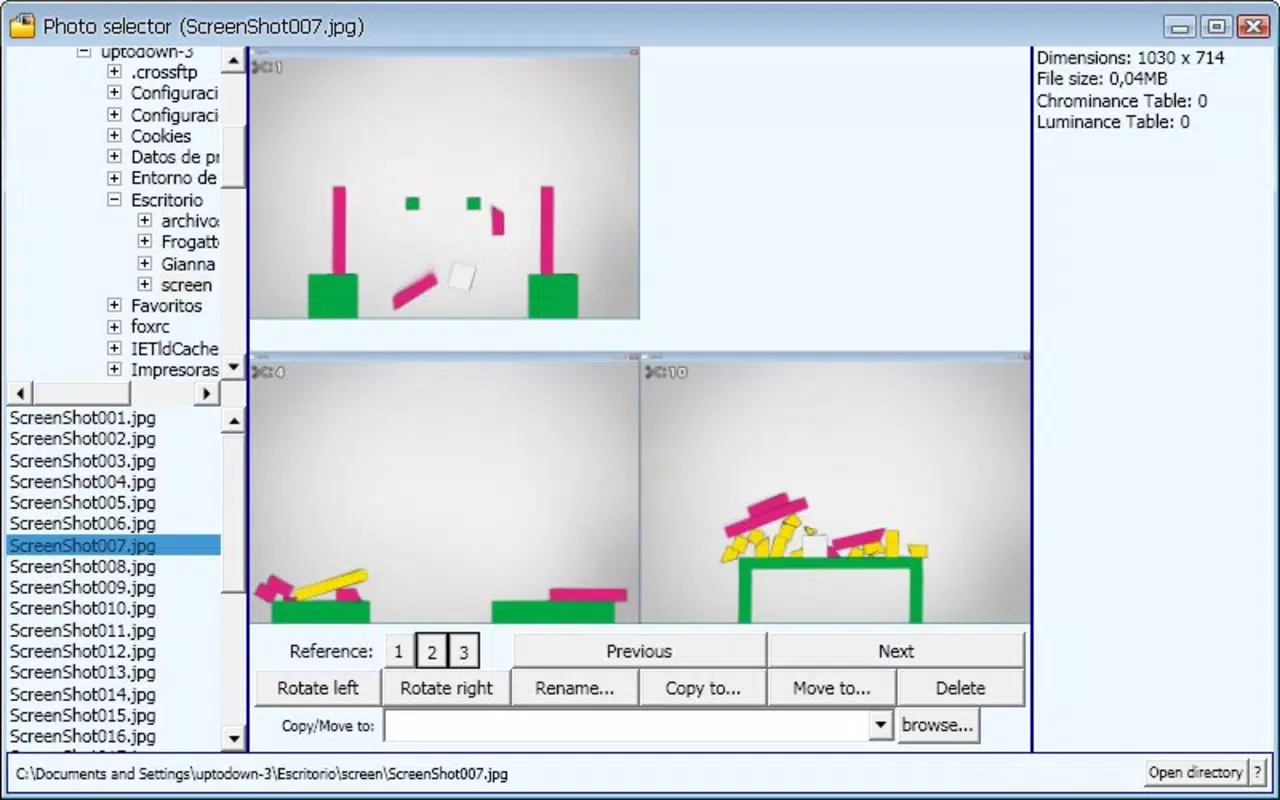
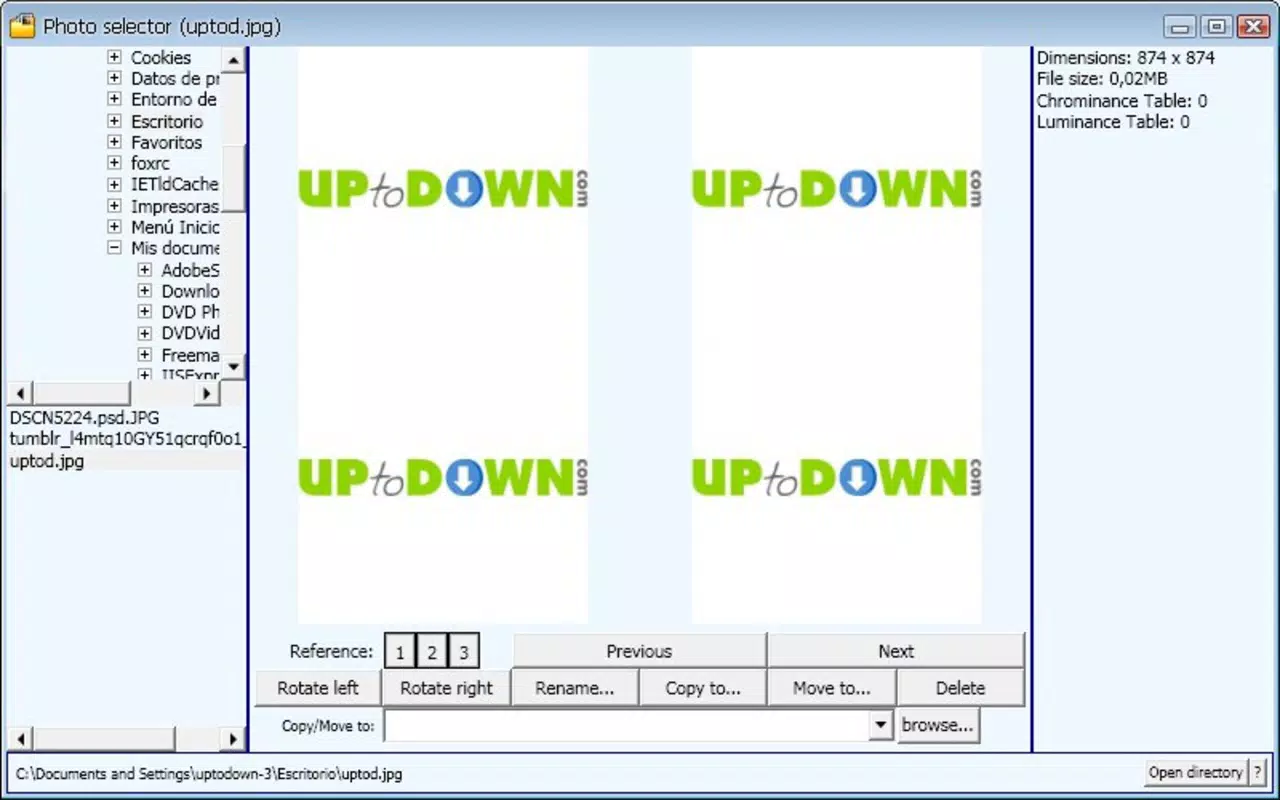
- Simultaneous Image Viewing: The app allows users to view up to four images at once, enabling side-by-side comparison. This feature is particularly useful when deciding between similar shots—such as different angles, lighting, or expressions—making it easier to identify the best version quickly.
- User-Friendly Interface: With a clean layout and intuitive navigation, PhotoSelector ensures that users of all experience levels can manage their photos without confusion. The absence of complex menus or settings streamlines the workflow, allowing users to focus on the task at hand.
- Folder Management: Users can move images between folders directly within the app. This functionality supports better long-term organization, helping users maintain a logical structure in their photo libraries and reduce digital clutter.
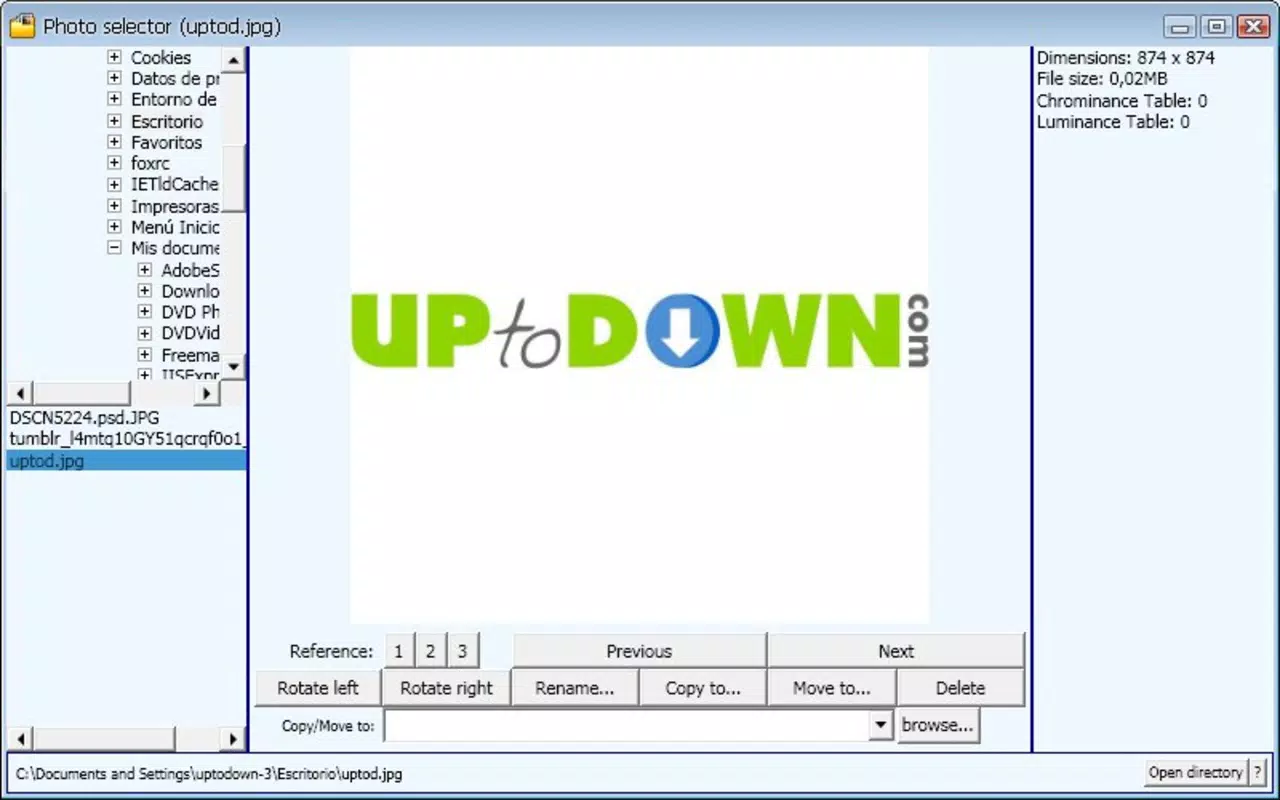
- Basic Editing Tools: Built-in options include rotating images, renaming files, and deleting unwanted photos. These tools allow users to make quick adjustments before finalizing their selections, improving overall workflow efficiency.
- Efficient Photo Curation: Designed specifically for users who take many photos, PhotoSelector helps eliminate unnecessary or low-quality images, preserving only the most valuable content. This is ideal for preparing photo sets for sharing, editing, or archiving.
For example, a photographer reviewing a wedding shoot can use the four-image view to compare facial expressions across multiple shots, then rename the best ones and move them into a dedicated folder. Similarly, a traveler can quickly sort through hundreds of vacation photos, discarding blurry or duplicate images in minutes. These practical applications demonstrate how the app enhances productivity and supports real-life photo management challenges.
Interface, UX & Performance
PhotoSelector features a minimalist user interface that prioritizes clarity and ease of use. The layout is designed to minimize distractions, placing core functions—such as image viewing, rotation, and deletion—within immediate reach. Navigation is linear and predictable, with a consistent flow that supports intuitive interaction across different screen sizes.
The visual style is functional rather than ornamental, using neutral colors and clear icons to guide users through each step. There are no unnecessary animations or transitions, which contributes to a smooth and responsive experience. Although the developer did not list formal performance metrics, the app’s lightweight nature suggests it runs efficiently on a range of devices, including mid-tier smartphones and tablets.
Responsiveness appears to be well-optimized, with minimal lag during image loading and switching. Stability is maintained through focused functionality—by limiting features to essential tools, the app reduces the risk of crashes or unexpected behavior. Users can expect consistent performance during extended photo review sessions, which is critical for tasks requiring precision and focus.
Platform Compatibility & Technical Requirements
PhotoSelector is available on both Android and iOS platforms, making it accessible to a broad audience of smartphone users. The app supports the latest versions of these operating systems, ensuring compatibility with current devices. The file size is listed as 12.5 MB, indicating a lightweight footprint that does not strain device storage.
Specific requirements were not listed, including minimum OS versions or hardware specifications. The developer did not disclose detailed technical information such as RAM or processor needs. Compatibility information was not fully disclosed, so users should ensure their devices meet general system standards for running modern mobile applications.
Pros and Cons
Pros
- Simple, intuitive interface ideal for users of all skill levels
- Supports viewing up to four images simultaneously for better comparison
- Efficient folder management with easy file movement
- Lightweight design with minimal storage usage
- Includes essential editing tools like rotation, renaming, and deletion
Cons
- Basic functionality may not meet advanced editing needs
- Limited to core photo management—no advanced filters or sharing options
- No cloud integration or backup features
- Developer did not provide detailed system requirements
- Only supports local photo management without external sync
FAQ
Is PhotoSelector free to download?
Yes, the app is available for download at no cost. However, the developer did not specify whether in-app purchases or premium features are available.
Can I use PhotoSelector on both Android and iOS?
Yes, the app is compatible with both Android and iOS devices, allowing users to manage their photos across different platforms.
Does PhotoSelector support cloud storage?
There is no indication that the app integrates with cloud services such as Google Photos or iCloud. All operations are performed locally on the device.
How do I update PhotoSelector?
Updates are typically delivered through the official app store (Google Play or Apple App Store). Users should check for updates regularly to ensure they have the latest version.
Is PhotoSelector secure?
As a local photo management tool, PhotoSelector does not transmit user data externally. This reduces privacy risks, but users should still ensure their device is secured with a password or biometric lock.
Final Thoughts
PhotoSelector stands out as a focused, no-frills tool for anyone overwhelmed by their growing photo library. Its ability to display multiple images at once, combined with straightforward editing and folder management, makes it a practical choice for photographers and casual users alike. While it lacks advanced features like filters, sharing, or cloud backup, it excels in its core mission: helping users quickly identify, organize, and refine their best photos.
For those who value speed, simplicity, and direct control over their images, PhotoSelector delivers real value without complexity. It’s not a full-featured editor, but it’s an excellent companion for post-capture curation. If you’re looking for a reliable, lightweight utility to streamline your photo management workflow, this app is worth trying.
Download PhotoSelector now


